Your car, in plain English.

A solid-state instrument bar for your dash. One to eight OLED gauges, two clicky buttons, and the moment your check-engine light comes on it reads the code and tells you what it actually means.

works with any BLE ELM327 18 live sensors 350+ fault codes decoded OBD-II · 1996+ no app · no cloud · no subscription
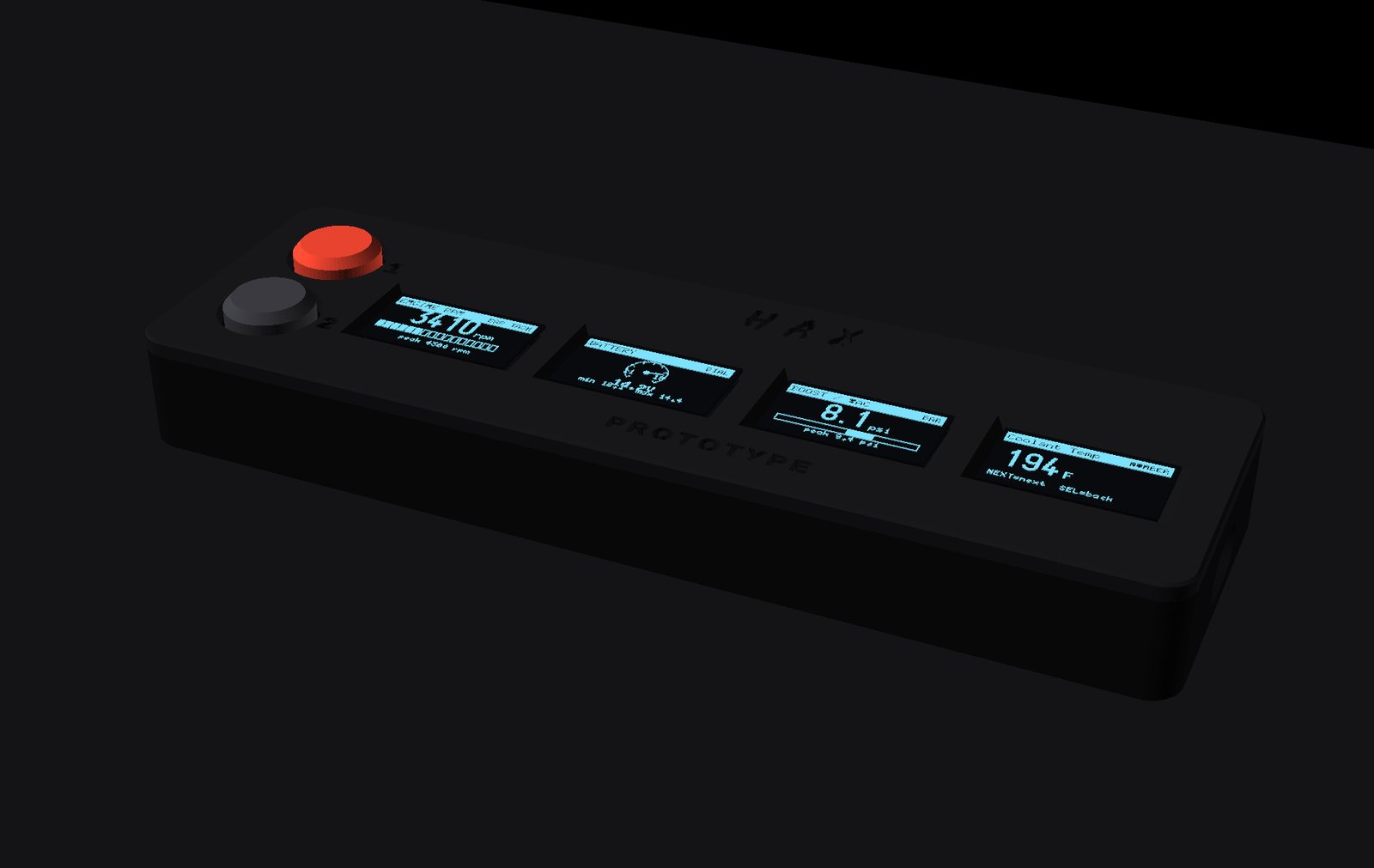
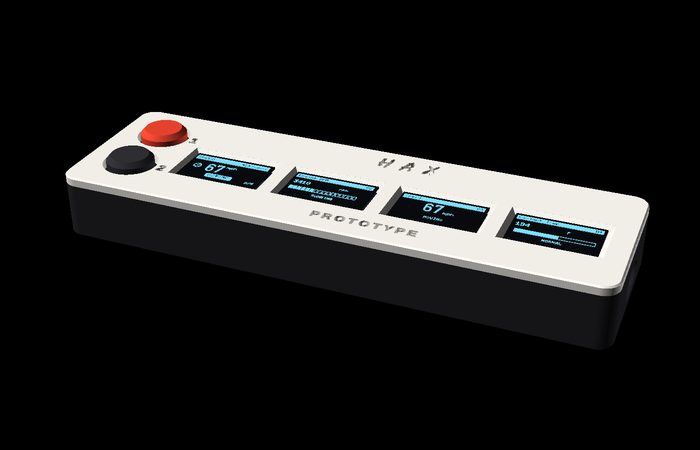
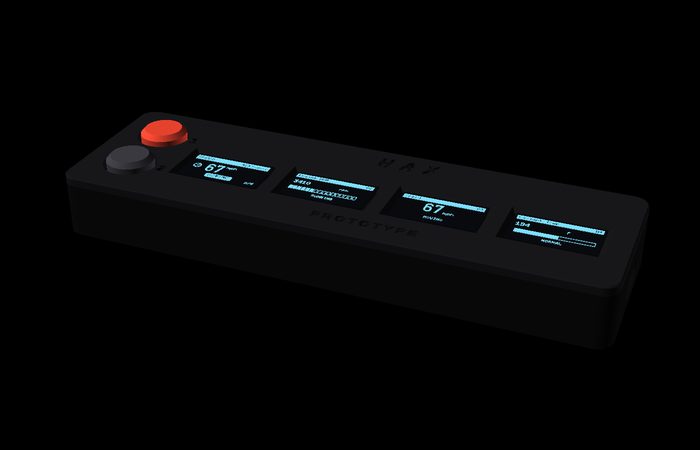
HAX DrivePulse in stealth black showing four live gauges

The idea

The light tells you something is wrong. DrivePulse tells you what.

A check-engine lamp is one bit of information. DrivePulse watches the ECU continuously, and the instant a fault is flagged it pulls the code and prints it in words — on your dash, before your phone has even unlocked.

Over 350 trouble codes are described on the device itself. No internet, no lookup, no app. Unknown codes still decode to the right area of the car rather than leaving you with a five-character riddle.

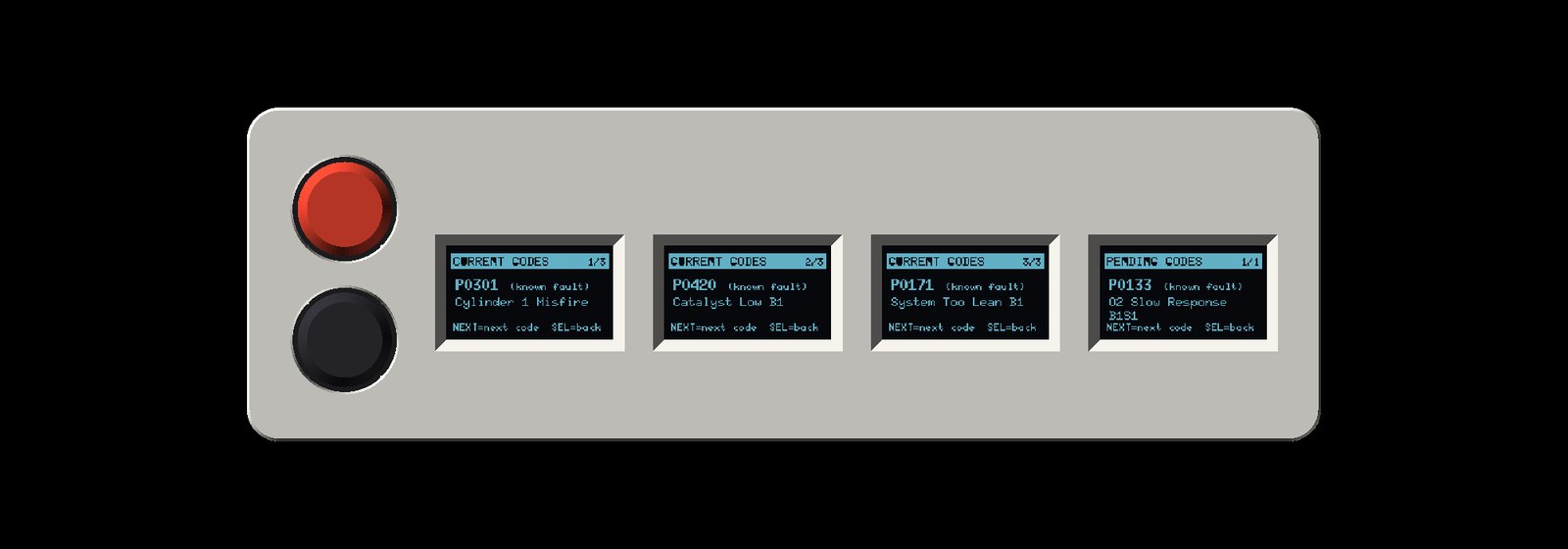
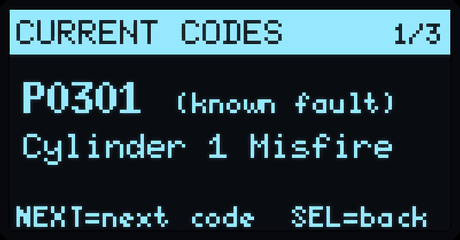
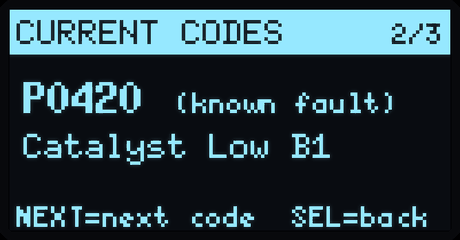
Four screens reading P0301 Cylinder 1 Misfire, P0420 Catalyst Low B1, P0171 System Too Lean B1, and a pending P0133
Real firmware output. Every screen on this page is rendered from the device's own drawing code.

Reads it for you

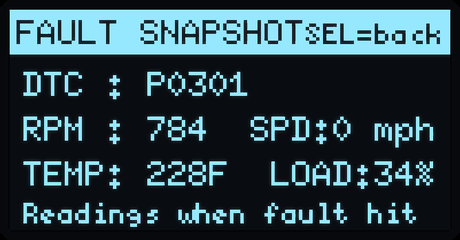
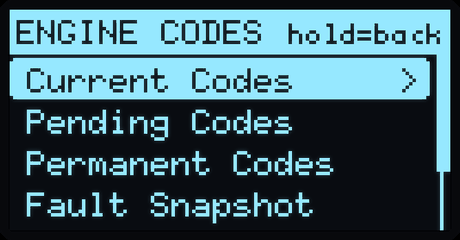
Stored, pending and permanent codes, plus the freeze-frame snapshot of exactly what the engine was doing when the fault hit.

Smog-check ready

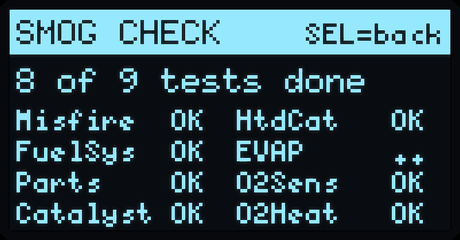
See whether your emissions monitors are complete before you drive to the inspection — and get warned that erasing codes resets them.

Safe by design

Standard OBD-II reads plus the same clear command any scan tool uses. It cannot flash, tune or write to your ECU.

The interface

Every screen, every mode

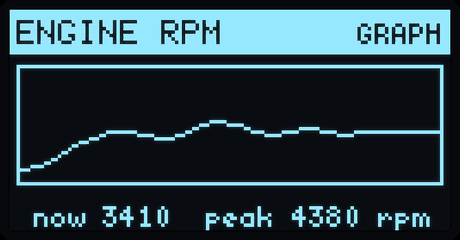
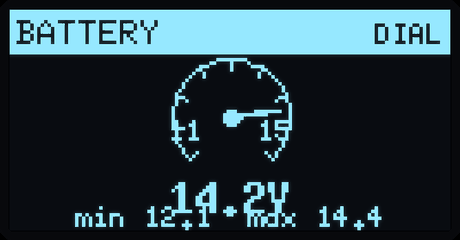
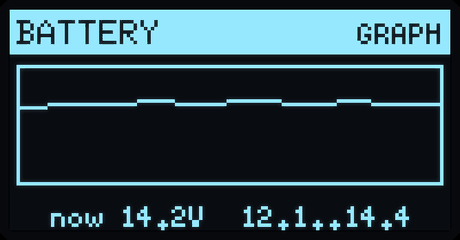
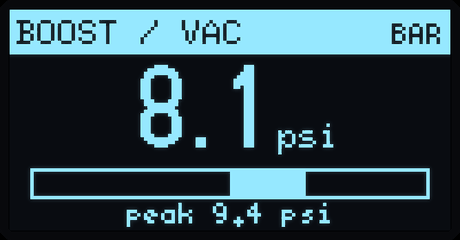
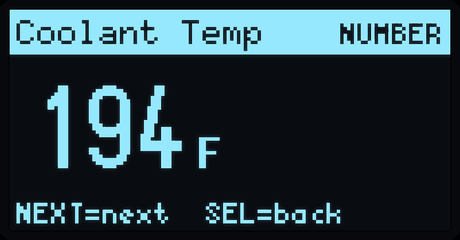
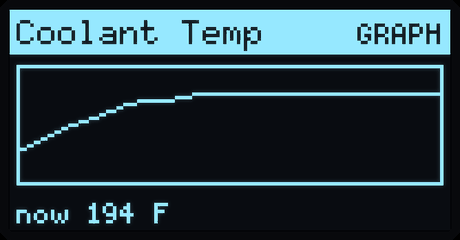
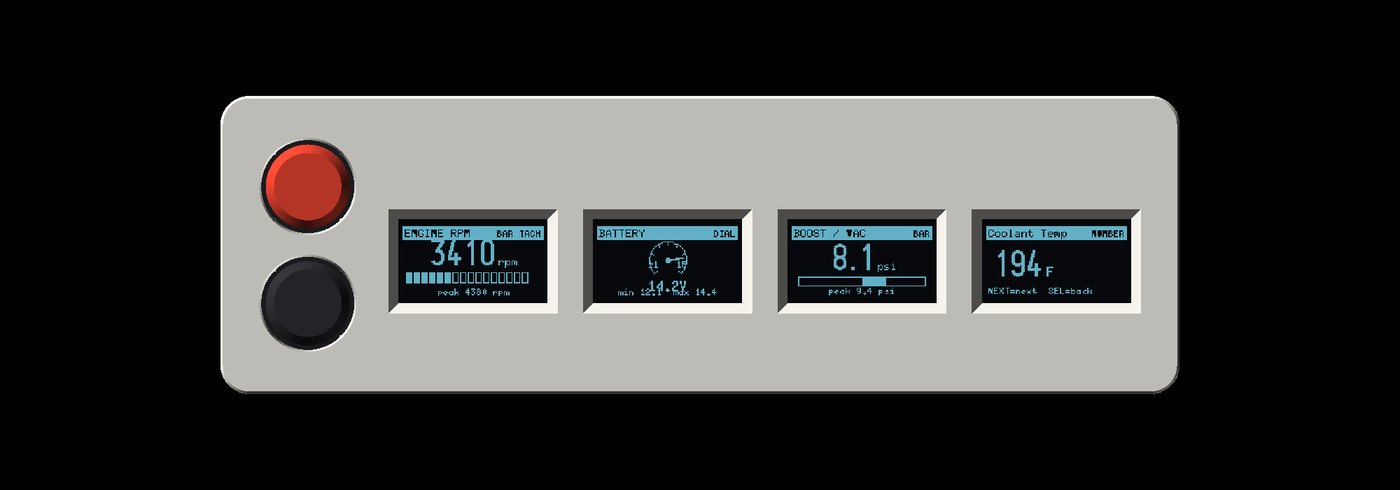
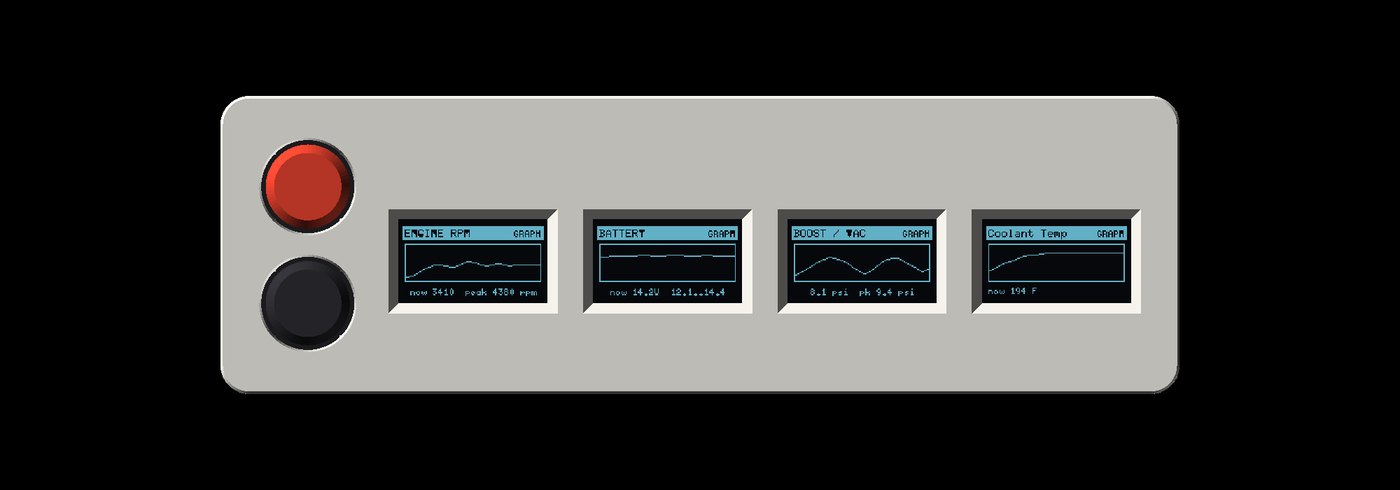
Any value can be a big number, a gauge, or a scrolling graph — hold NEXT to switch. Two buttons drive the entire interface.

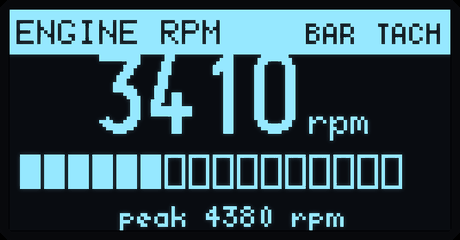
RPM  bar tach
RPM — bar tach
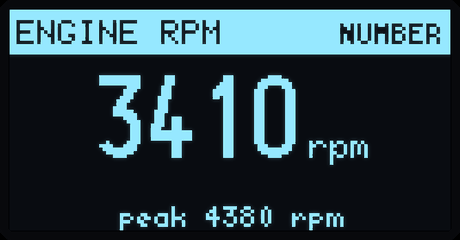
RPM  number
RPM — number
RPM  live graph
RPM — live graph
Battery  dial
Battery — dial
Battery  graph
Battery — graph
Boost / vacuum
Boost / vacuum
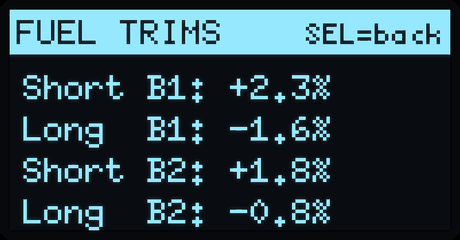
Fuel trims
Fuel trims
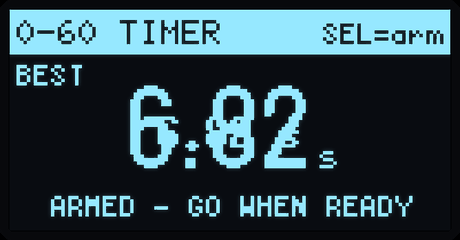
060 timer
0–60 timer
Misfire, in plain English
Catalyst code
Catalyst code
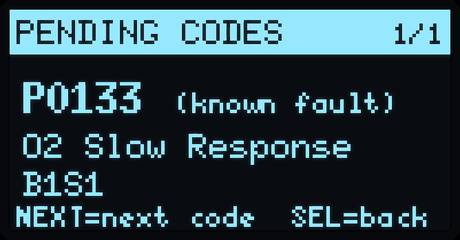
Pending codes
Pending codes
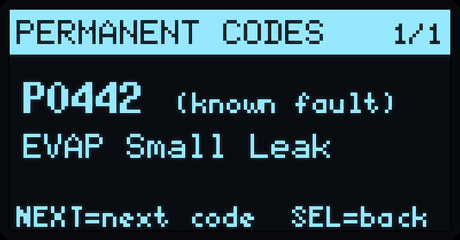
Permanent codes
Permanent codes
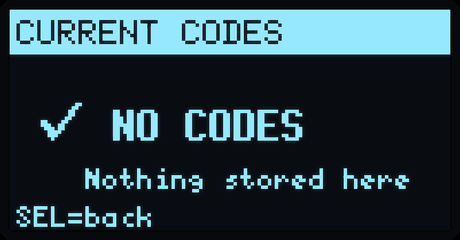
All clear
All clear
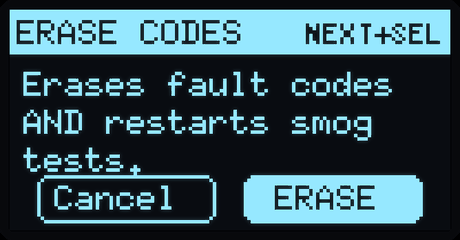
Two-step erase
Two-step erase
Fault snapshot
Fault snapshot
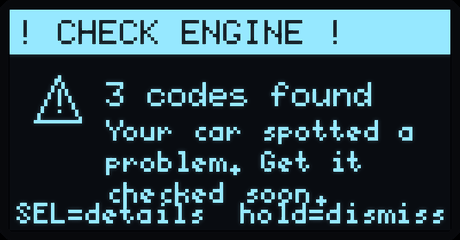
Check-engine alert
Check-engine alert
Coolant  number
Coolant — number
Coolant  graph
Coolant — graph
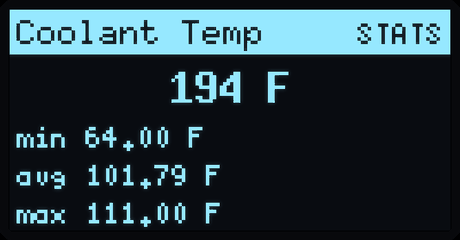
Coolant  min/avg/max
Coolant — min/avg/max
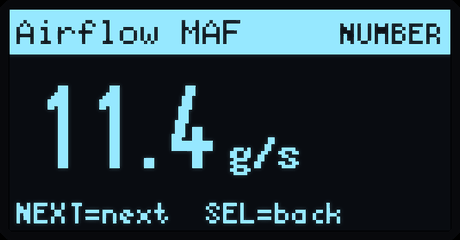
Airflow MAF
Airflow MAF
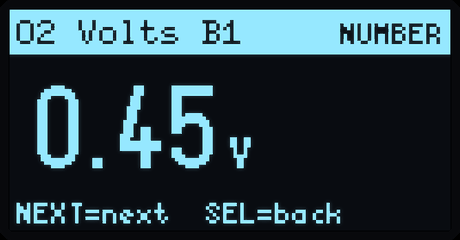
O sensor voltage
O₂ sensor voltage
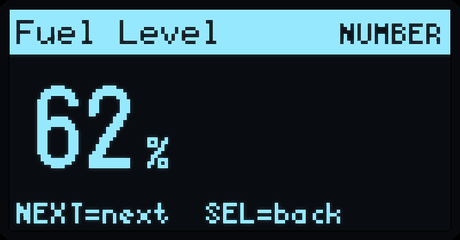
Fuel level
Fuel level
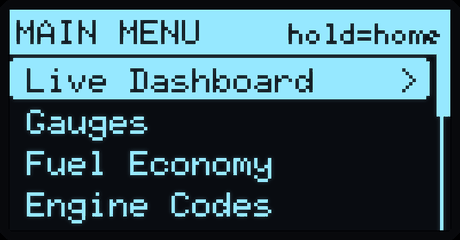
Main menu
Main menu
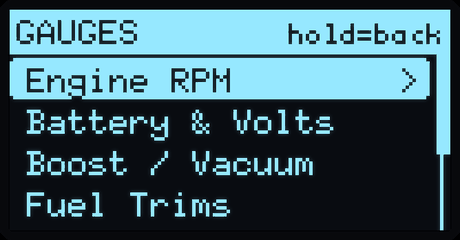
Gauges menu
Gauges menu
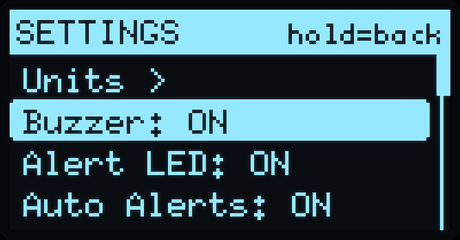
Settings
Settings
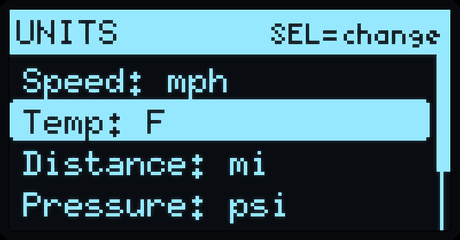
Units
Units
Engine codes menu
Engine codes menu
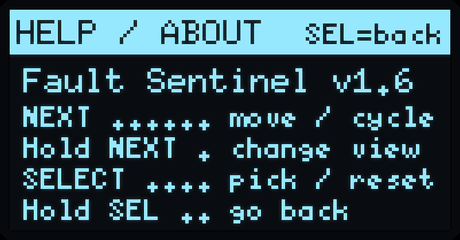
Button reference
Button reference
Smog readiness
Smog readiness
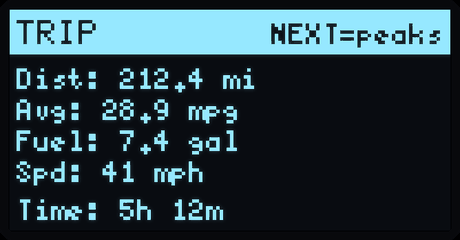
Trip computer
Trip computer
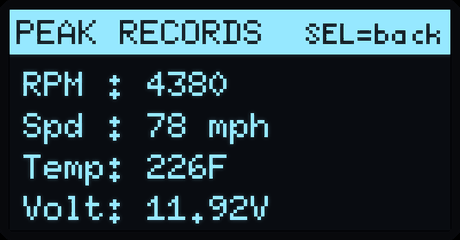
Peak records
Peak records
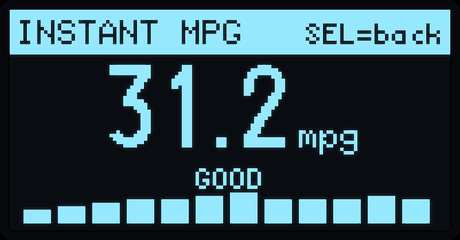
Instant MPG
Instant MPG
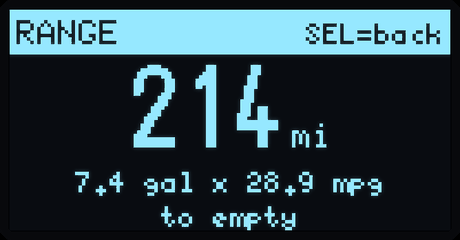
Range to empty
Range to empty
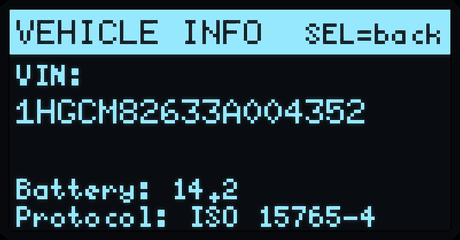
Vehicle info / VIN
Vehicle info / VIN
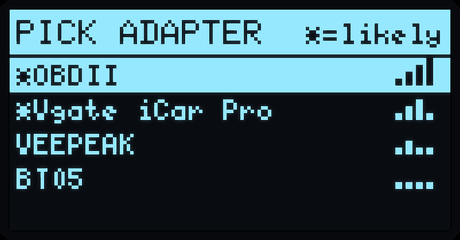
Adapter picker
Adapter picker
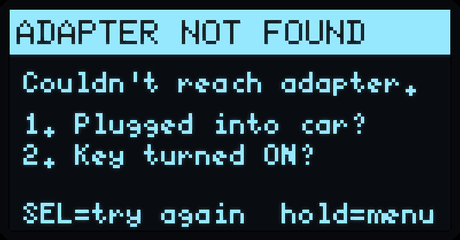
Adapter not found
Adapter not found
Bar tach, battery dial, boost bar and coolant
Gauge views — tach, dial, bar, number
Four live scrolling graphs
Graph views — the last minute of everything

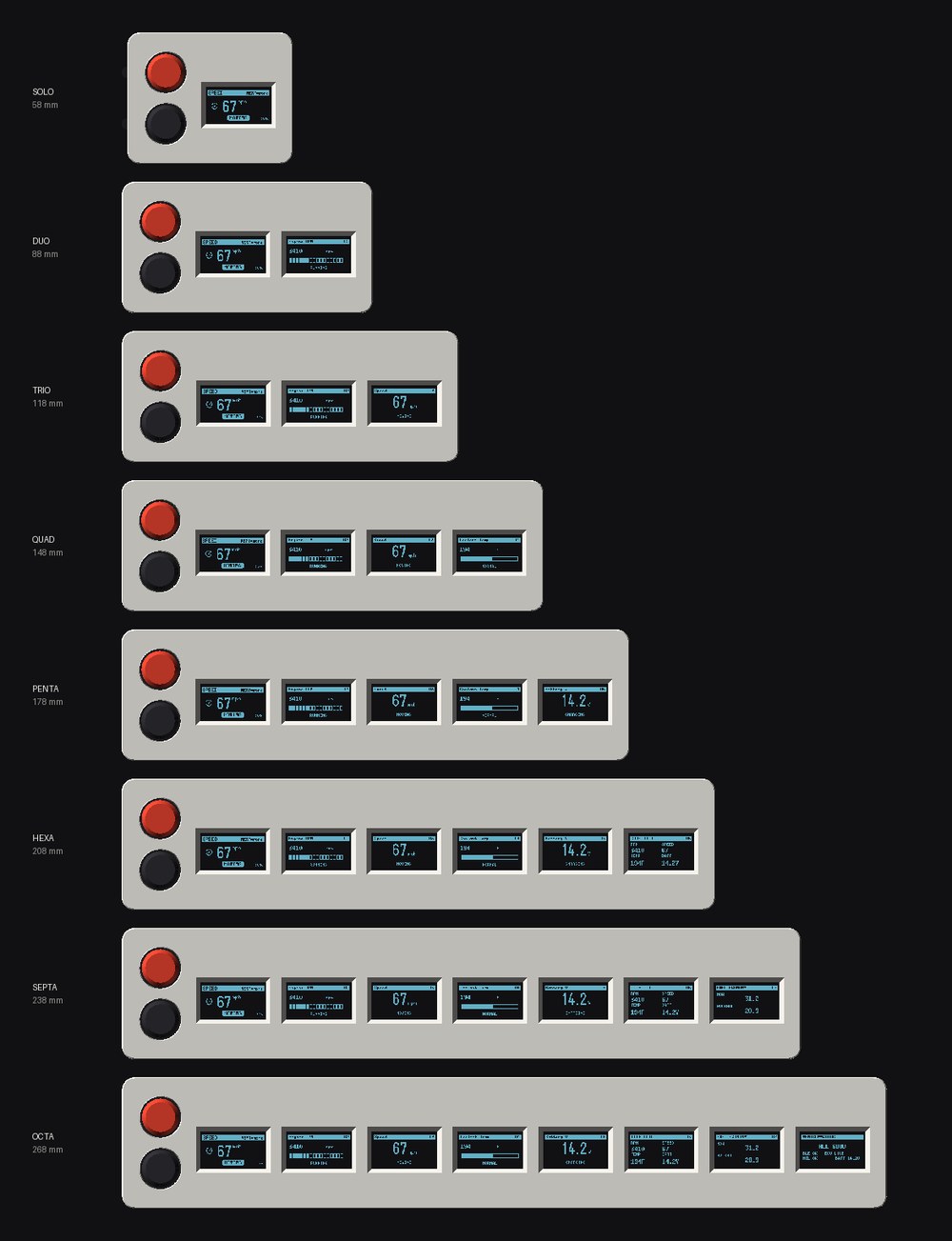
One design · eight sizes

Pick your wall

Same brain, same buttons, same snap-fit body — it just grows one screen at a time. Shown at true relative scale.

All eight sizes from Solo 58 mm to Octa 268 mm at true scale
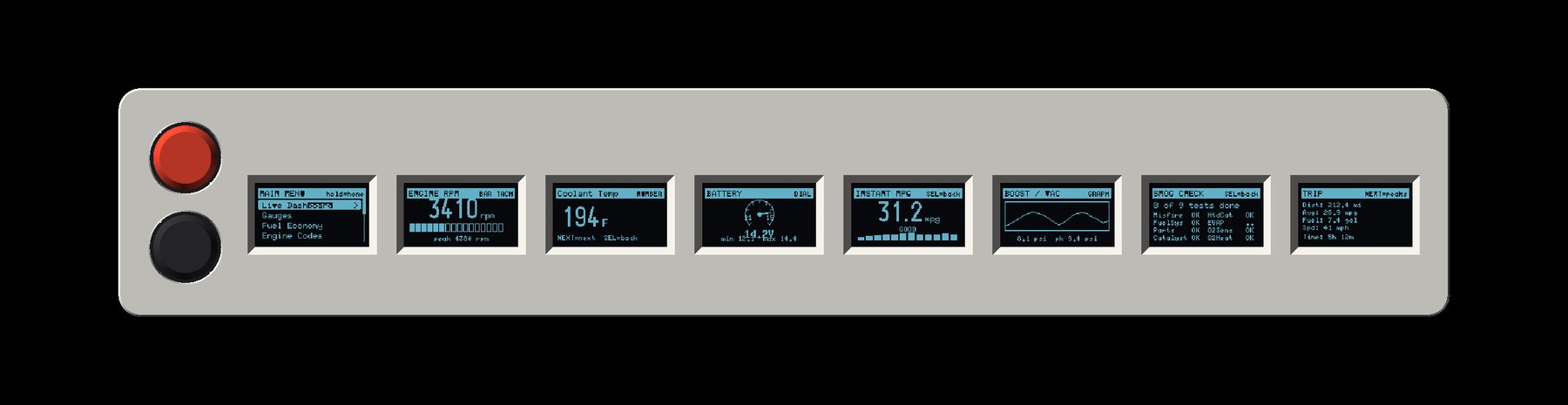
The Octa: eight screens each showing a different page
The Octa. Eight panels, eight different pages, at once.
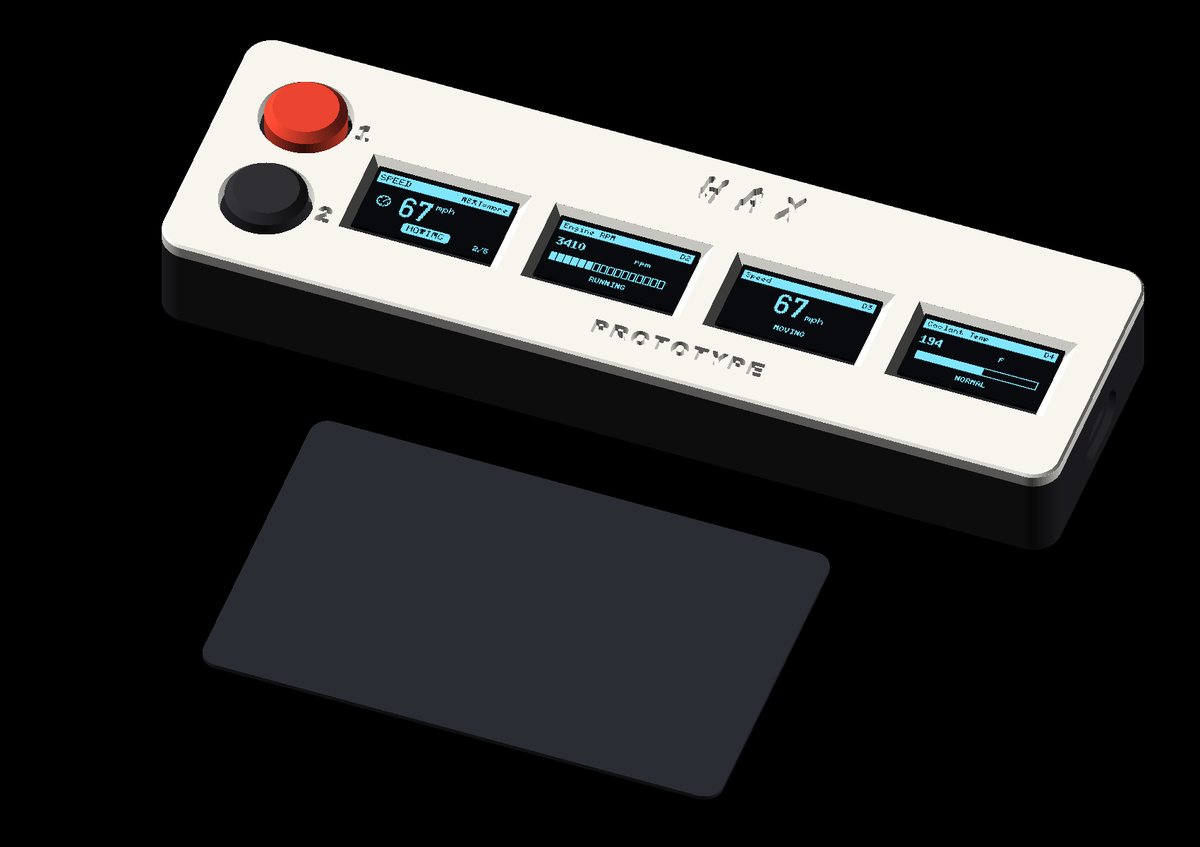
Quad beside a credit card for scale
Scale. The Quad next to a bank card.
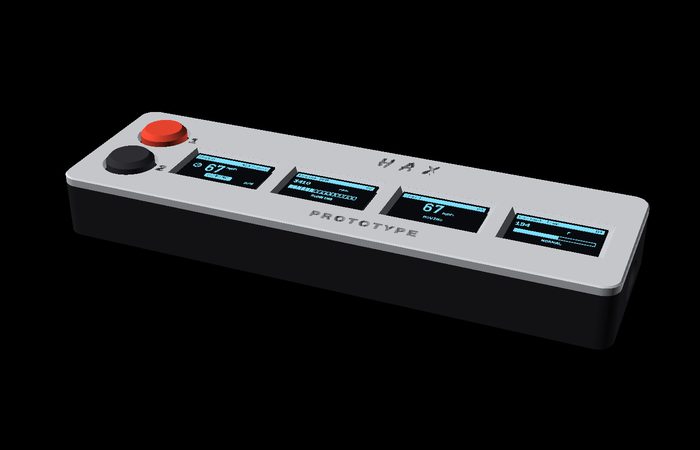
Classic white panel
Classicpanel white / charcoal
Stealth black
Stealthall black / red cap
Aluminium silver
Aluminiumsilver / charcoal

Also: the pillar pod

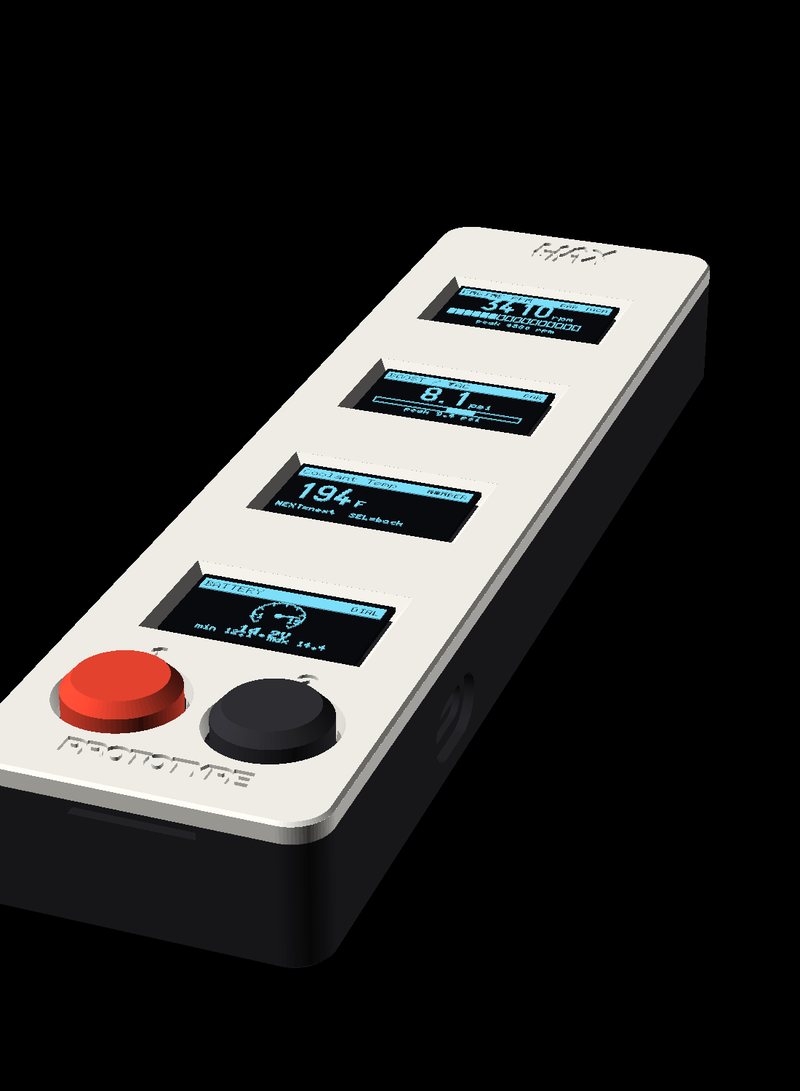
Four gauges stacked vertically, buttons at the bottom — sized to sit on an A-pillar like a classic gauge pod. Same firmware, same snap-fit body.

Vertical four-gauge pillar pod

Inside

Zero screws. Everything snaps.

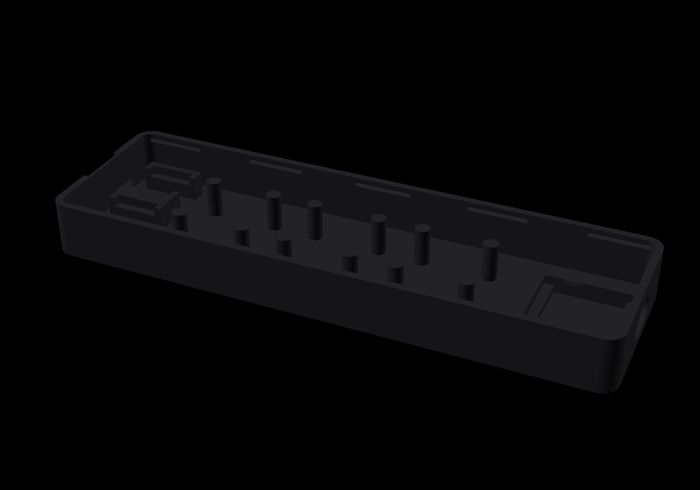
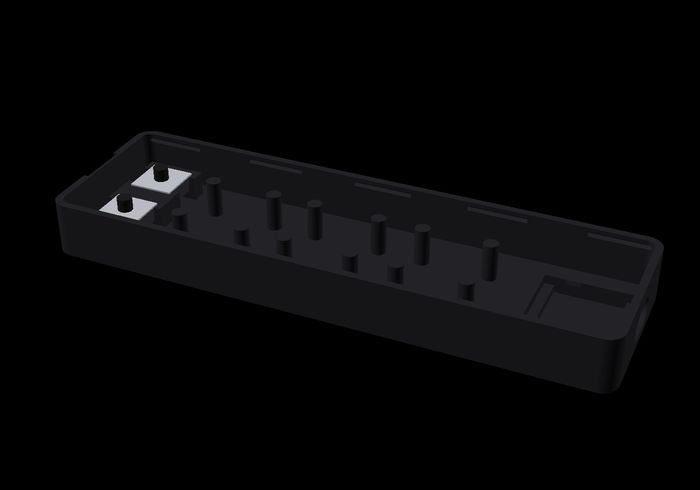
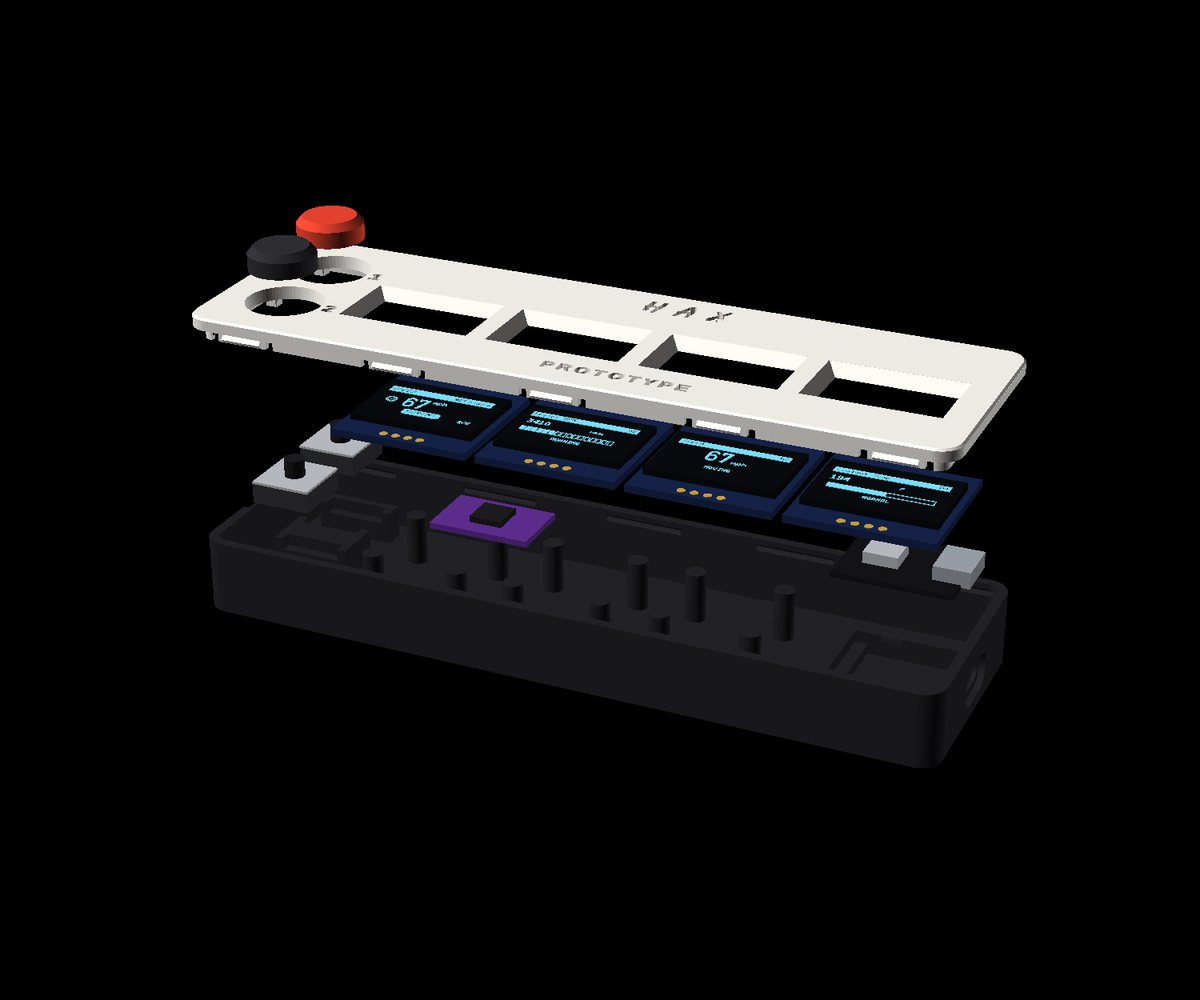
Two printed parts. Boards click into printed trays, the lid's barbs click into grooves in the walls, the caps push on last. About ninety seconds, no tools, and it opens again with a fingernail.

Bare printed base

The base

One printed part with every mount built in.

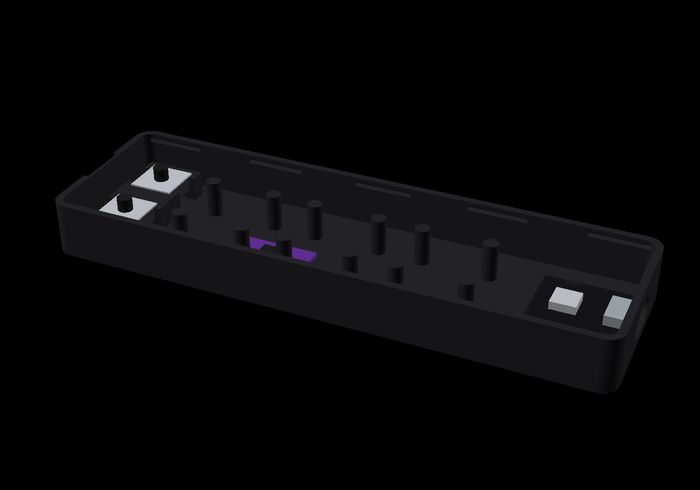
Switches dropped in

Switches

Drop into printed pockets, pins out the channel.

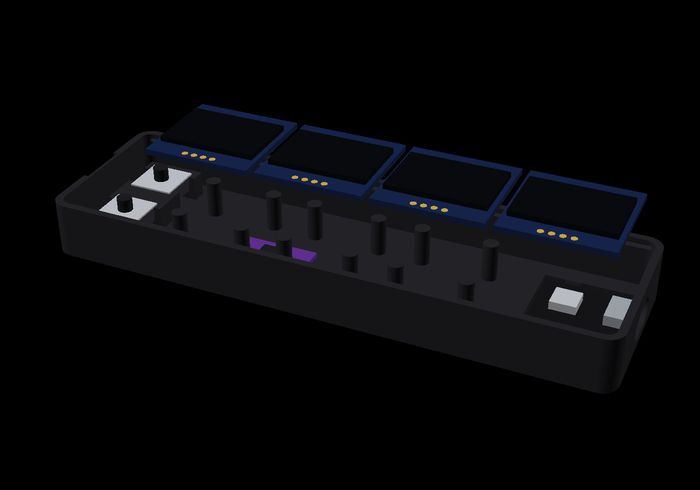
Boards seated

Brain

ESP32-C3 and the I²C mux click into their trays.

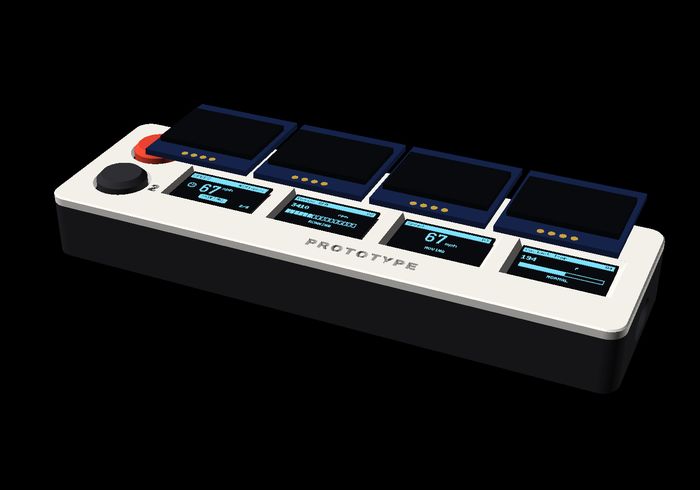
Screens on locator pins

Screens

Each OLED pushes onto locator pins on the panel.

Closed and lit

Snap shut

Press the panel on. Push the caps through. Done.

Exploded view of every part
Everything in the box.
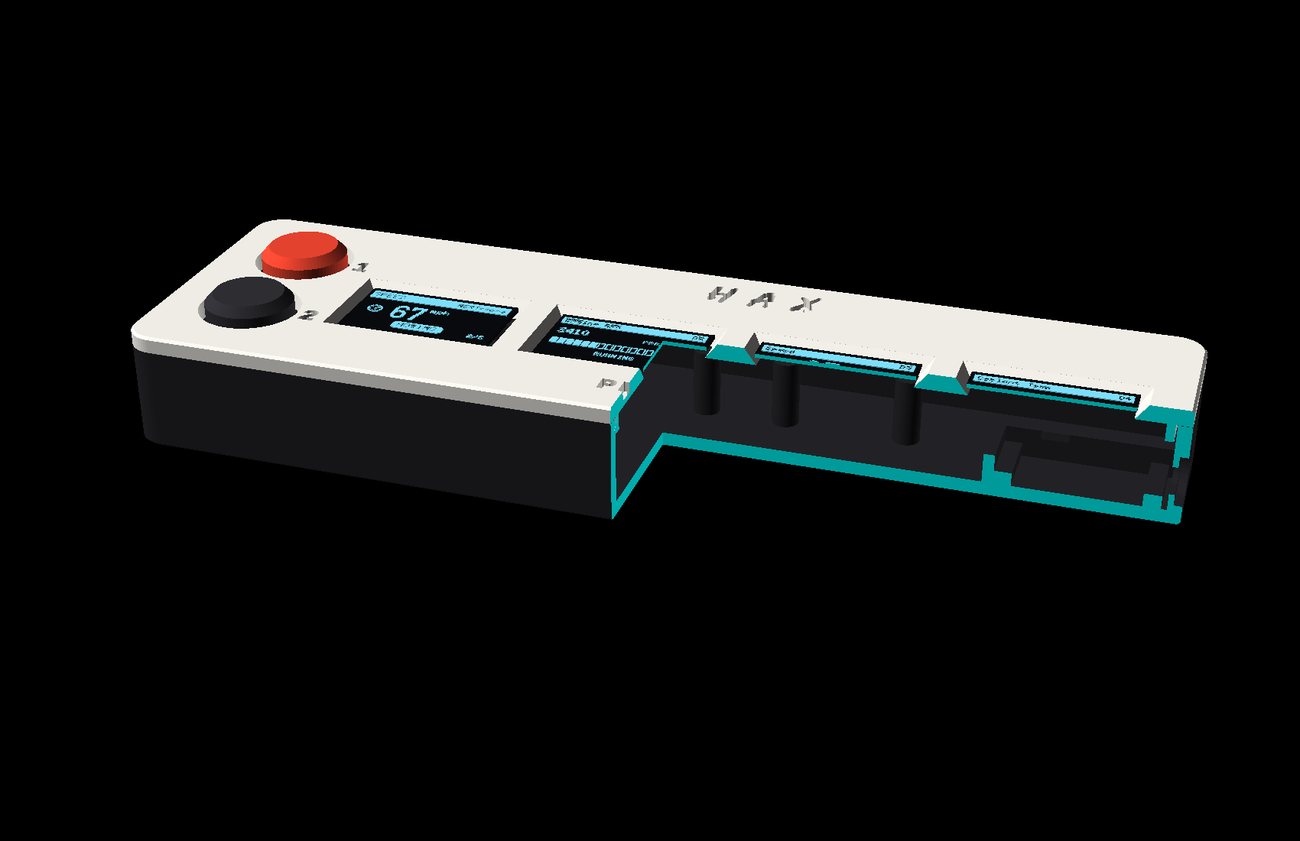
Half section showing wall thickness and trays
Half section — walls, trays and the snap detail.
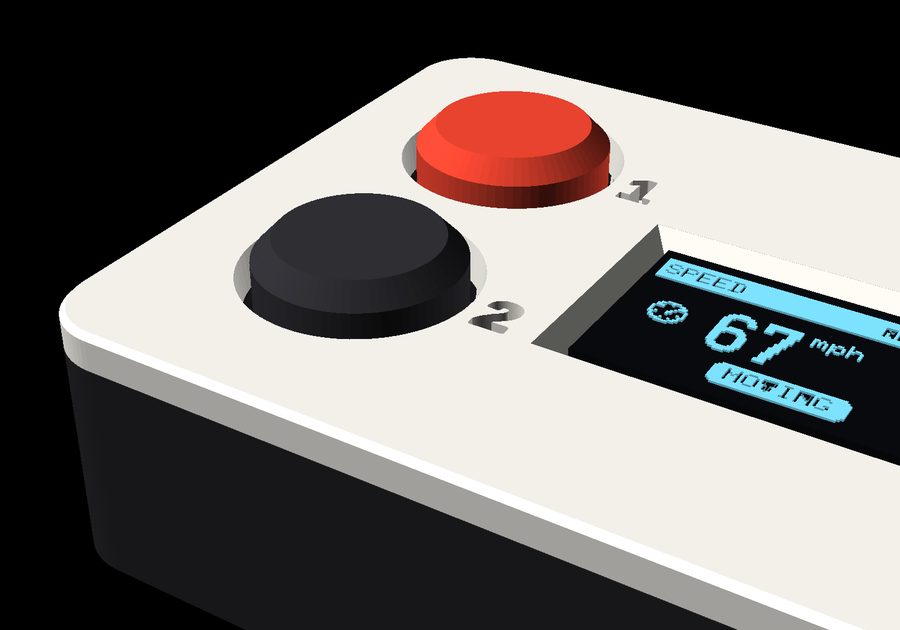
Button macro

Coned keywells

Each button hole is a continuous 12° cone, engraved 1 / 2 beside it.

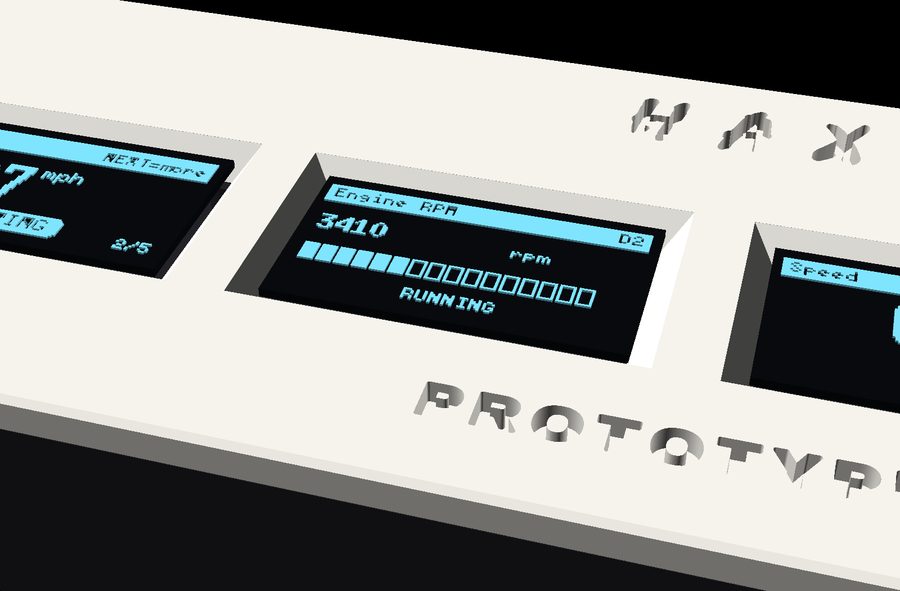
Screen macro

Chamfered windows

The glass sits 0.2 mm behind the panel — no rattle, no light leak.

USB-C macro

Cable out of the way

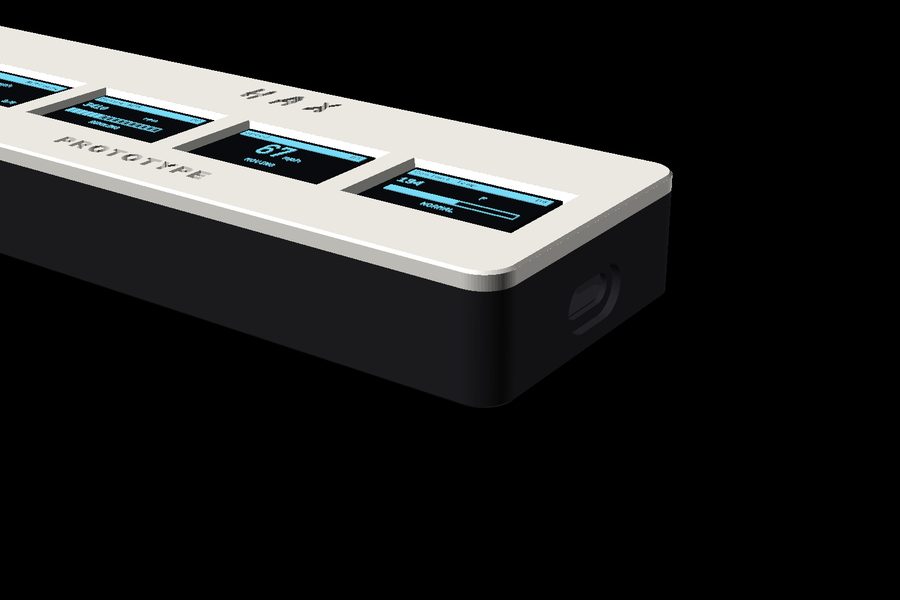
USB-C exits low on the end wall, recessed so the plug seats flush.

Specification

Under the panel

BrainESP32-C3 — RISC-V @ 160 MHz, Bluetooth LE 5
Vehicle linkAny BLE ELM327 OBD-II adapter, auto-discovered and remembered by address. Standard J1979: live data, stored / pending / permanent codes, freeze frame, readiness, VIN, code clearing
CompatibilityOBD-II vehicles — US 1996+, EU petrol 2001+, EU diesel 2004+
Displays1–8 × 0.96″ OLED 128×64, partial-refresh scheduled; I²C multiplexer fitted from two screens up
ViewsNumber · gauge/bar · live graph, selectable per screen
Live sensors18 PIDs — load, coolant, fuel trims, MAP, RPM, speed, timing, IAT, MAF, throttle, O₂, run time, fuel level, baro, battery, ambient, fuel rate
Trip computerInstant + average MPG (kept through power cycles), range, peak records, 0–60 timer
AlertsOverheat, low voltage, shift light — buzzer and LED
Input / powerTwo tactile buttons · USB-C from any 12 V socket
BodyTwo printed parts, snap-fit, zero fasteners — 58 to 268 mm wide, 46 × 17.4 mm
FirmwareTridectra Fault Sentinel — on-device code database, screen refresh fully decoupled from adapter speed, free updates over USB for the life of the product
No cloud, ever. DrivePulse talks only to your adapter and keeps settings, economy and trip data in its own memory. There is no server that can be switched off on you.

Documentation

Two buttons. That's the whole interface.

NEXT moves, SELECT picks. Tap or hold — four moves and you know the entire device.

Tap NEXTNext item, card or code — lists wrap
Hold NEXTFast scroll, or change the view on a gauge
Tap SELECTPick / OK / reset
Hold SELECTGo back a level

The full manual covers first-time pairing, every menu, the complete settings reference with all its options, multi-screen setup, alarms and troubleshooting.

Open the full manual

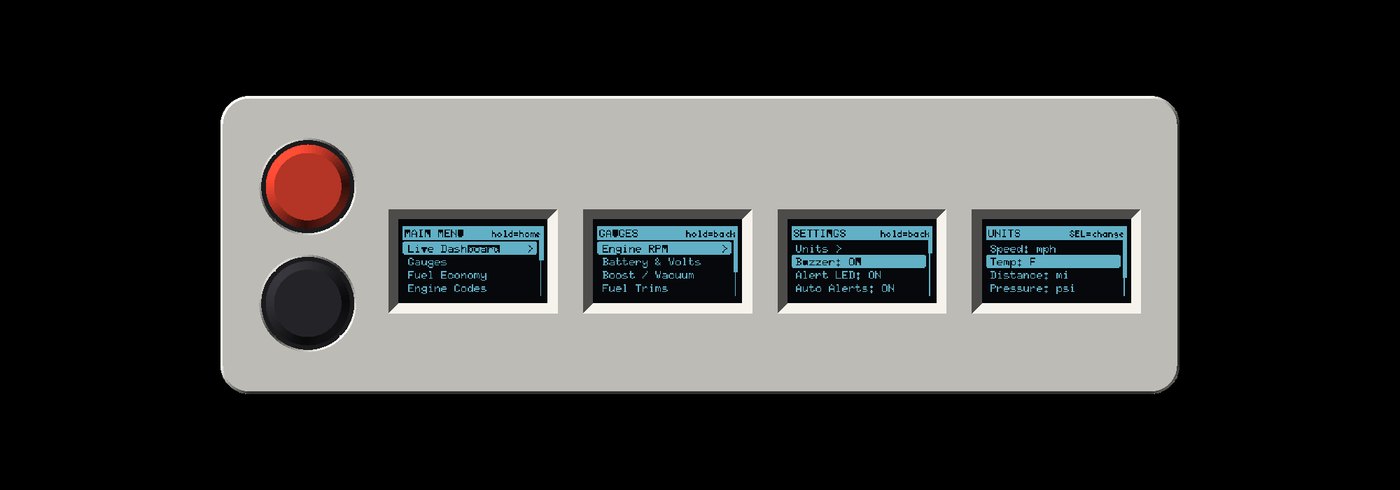
Four screens showing menu navigation
Menus across four panels.

The campaign

Back it on Kickstarter

Launching with a $9,500 goal and a 30-day campaign. Every reward tier is a real device — assembled, flashed and soak-tested before it ships.

DP-01 · BUILT

Solo

$59
  • One assignable gauge
  • Flashed and tested
  • Red + black caps
DP-04 · MOST POPULAR

Quad

$149
  • Four gauges — the one in the photos
  • Assembled, soak-tested
  • Extra 5-colour cap set
DP-08 · BUILT

Octa

$229
  • 268 mm. Eight gauges.
  • Numbered first run of 100
  • Extra cap set

Duo / Trio / Penta / Hexa / Septa available as pledge options. Add-ons: vetted BLE adapter, 12 V→USB-C dash cable, pillar pod. Prices are draft pending final BOM quotes.

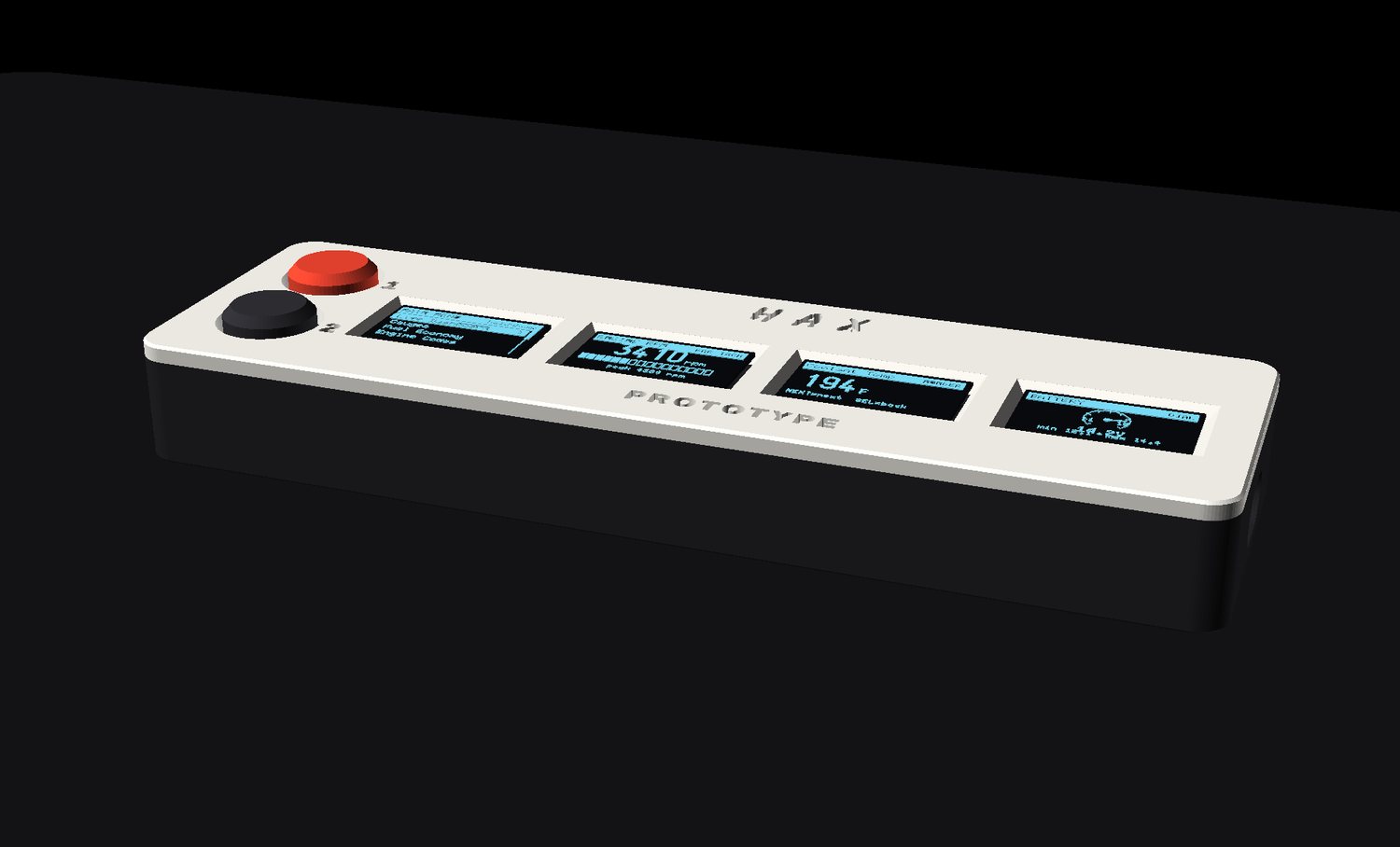
DrivePulse on a desk showing mixed pages